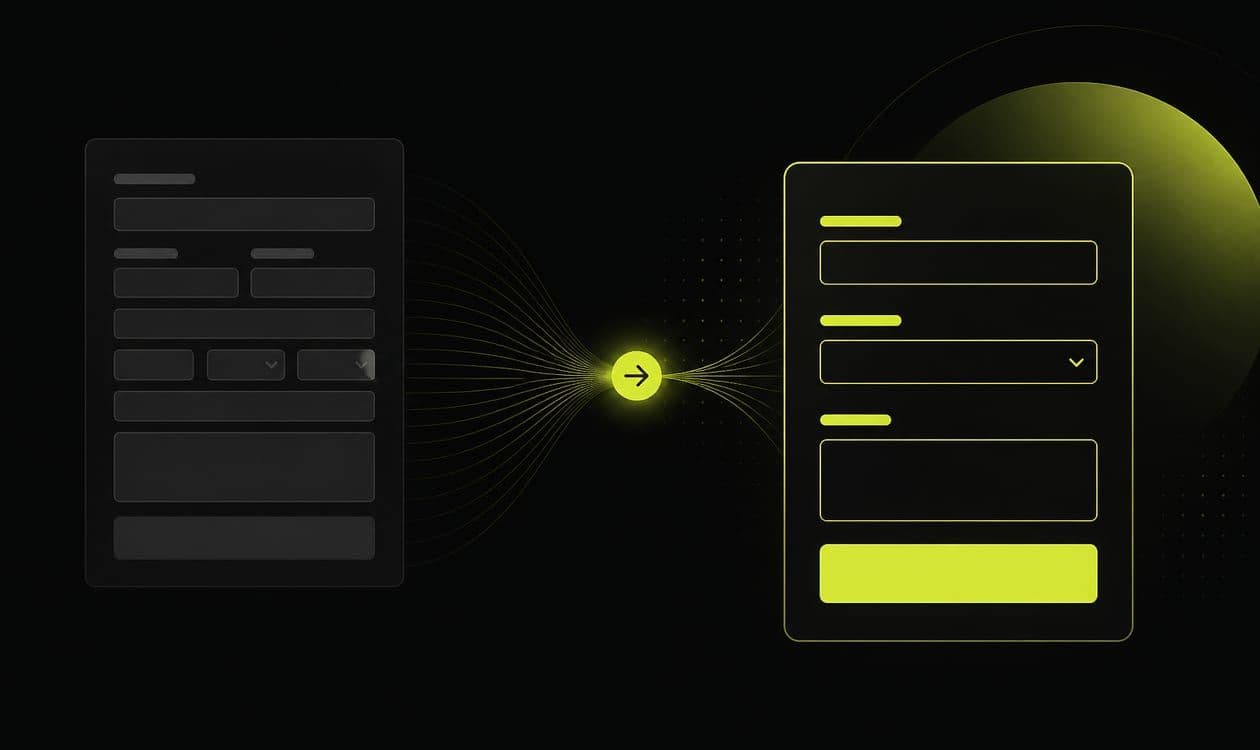
The demo form drops to email-only after a completion-rate panic. Completions double. The calendar fills with students, competitors, and people who wanted a quick chat about ideas. Sales asks marketing to put the fields back.
Fewer fields increase completions. Smarter fields increase sales-ready conversations. The win is not the shortest form. It is the form that matches how you qualify.
This guide is for B2B teams running paid and outbound into demo or strategy-call pages who are tired of choosing between empty calendars and calendars full of tire-kickers.
Ask only what changes the next action
If sales needs company size, use case, or timeline to decide who gets a call, ask it, or enrich immediately after. A bare work-email form trains ads to chase volume. A field that never changes routing or prioritization is friction without payoff.
Write the qualification definition with sales first, then map fields (or enrichment) to that definition. If marketing and sales disagree on fit, the form will oscillate between “too long” and “too soft” every quarter. Put the definition in the CRM and on the page brief so nobody “simplifies” the form in a vacuum.
From what I’ve seen, most form arguments are really qualification arguments wearing a UX costume. Settle the definition first. The field count usually follows.
Progressive when the ask is heavy
Use a multi-step path or post-submit enrichment when the primary CTA is booking. Do not punish high-intent search traffic with a twelve-field wall on step one. Progressive disclosure keeps momentum while still collecting signals.
When to prefer steps vs a single screen is covered in multi-step funnels vs single-page. When intent is high and enrichment is reliable, a lean single page plus backend enrichment often wins. When sales capacity is scarce, earn the meeting with clearer signals up front.
Every step should ask something that changes routing, talk track, or eligibility. If it does not, delete it. Multi-step is not a place to hide a weak offer. Fix message match first.
Align fields to the scoreboard
If your north star is qualified conversations, forms should collect signals that define qualification. Same discipline as what to track on the page. Do not optimize the form to maximize submits if submits are not what sales defends.
Pass click IDs and field answers into the CRM so Google Ads and Meta can eventually learn from opportunities, not just thank-you page hits. Fields without CRM homes become dead weight, and dead weight still costs conversion.
Measure meetings and opportunity rate, not just form CPL. A shorter form that floods the calendar with tire-kickers is not a win. A longer form that cuts junk but starves the pipeline may be too aggressive for the channel. Adjust by traffic intent.
Test one change at a time: add or remove a single qualifier, change order, or move a field to step two. Changing creative and form together confuses the lesson. Keep a changelog of form versions tied to opportunity rate by source.
Field patterns that usually earn their keep
Often useful when they change routing or talk tracks:
- Work email (and validation)
- Company name / domain
- Role or team
- Use case or problem category
- Company size band, if it gates ICP
Often wasteful on step one:
- Postal address
- “How did you hear about us” as required
- Budget theater when you will discover it on the call anyway
- Long open text that buyers skip or spam
Enrichment can replace several fields if your ops loop is reliable. If enrichment is flaky, ask the minimum humans must answer. Phone numbers: require them only if your process actually calls. Otherwise you train abandonment for theater.
I’m still unsure how many “enterprise-looking” forms exist because someone wanted the page to feel serious, not because anyone routes on those answers. Looking serious is expensive when sales never reads the field.
Continuity, shared destinations, and operating rhythm
A perfect field set on a mismatched page still produces confused leads. Fix continuity with message match and a decisive page structure before you obsess over whether a field should be required.
Shared destinations for paid and outbound need shared qualification logic. See landing pages for paid and outbound. Do not run a soft Meta form definition and a hard Search definition into the same SDR queue without labeling source and expectations. Cold email links deserve the same honesty: if the email asked for a teardown, the form should not pretend it is a newsletter signup.
Proof near the form reduces hesitation better than adding another optional field. See proof without fake case studies.
Weekly: spot-check five new leads with sales. Were fields used? Monthly: opportunity rate by form version and source. Quarterly: revisit which fields still change decisions. Delete the rest.
Common failure modes: celebrating completion rate after removing every qualifier. Adding fields to “look enterprise” without routing logic. Instant Forms with zero qualification while the website form is heavy, then blaming the channel. Required fields that sales never reads.
One messy observation: I’ve watched a required “use case” dropdown improve opportunity rate and also produce a pile of “Other” answers that nobody tagged. The field earned its keep only after someone cleaned the options and taught SDRs what “Other” meant. A smart field still needs ops behind it.
Export the last cohort of form submits. For each field, ask sales: did this change who got a meeting, who got prioritized, or what the talk track was? If the answer is no for most rows, the field is a completion tax. Remove it or move it behind enrichment.
For each kept field, write the decision it enables in the brief. “Company size → route mid-market vs enterprise calendar.” Fields without a written decision are decoration. When stakeholders demand more fields for marketing automation, push enrichment and progressive profiling after the booking, not before. The job of the demo form is to create a sales-ready conversation, not to complete a data warehouse on first touch.
Re-run the audit after any CRM stage change. Qualification definitions drift. Forms that do not drift with them become either too soft or too hostile relative to how sales actually works.
We design forms inside B2B landing pages and funnels for sales-ready intake. Book a free strategy call if completions are up and pipeline is flat. Bring your live form fields and how SDRs decide who gets a meeting.